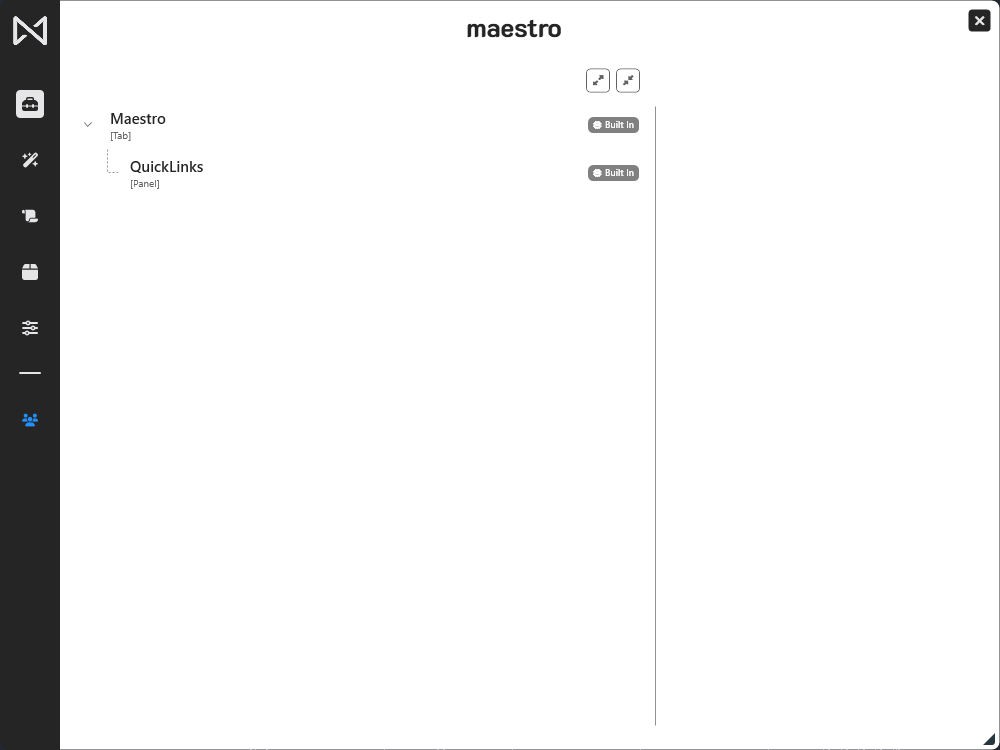
For individual users who are not part of a enterprise plan the process of creating your account is straight forward.
Step 1. Navigate to the Maestro tab by selecting the Maestro name in your ribbon.

Step 2. Open Maestro using the Open Maestro button.

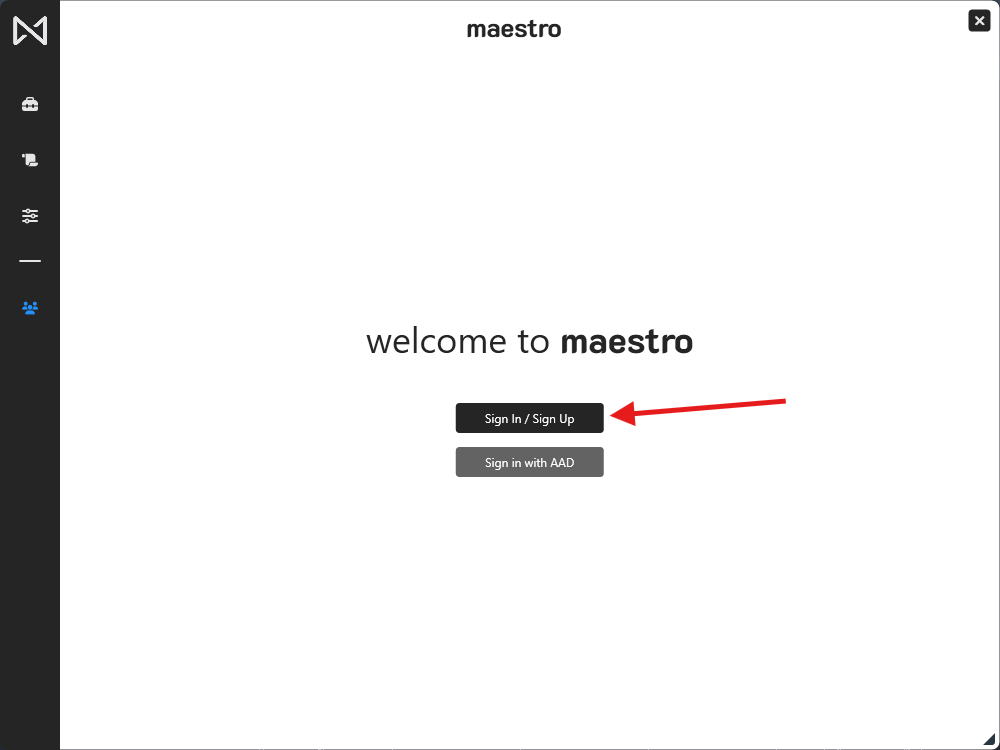
Step 3. Click the Sign In / Sign Up button.
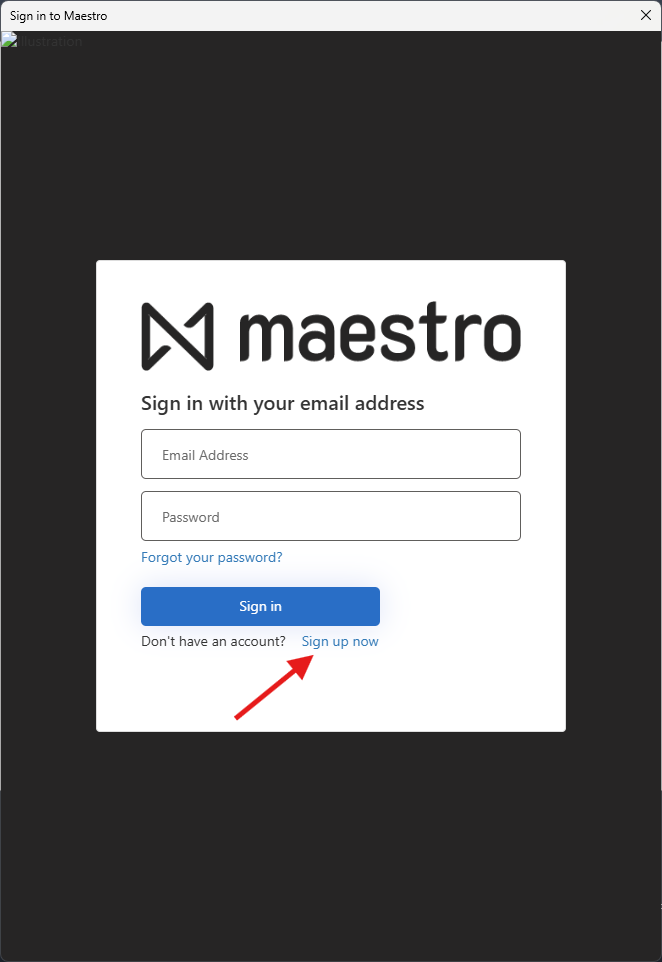
Step 4. Once the login portal loads, click Sign up now.
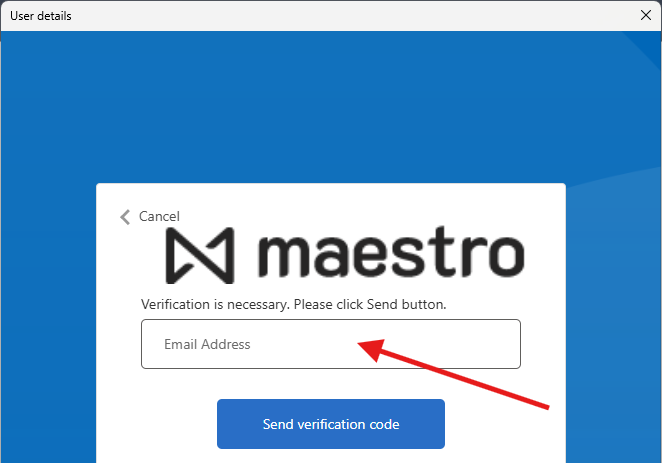
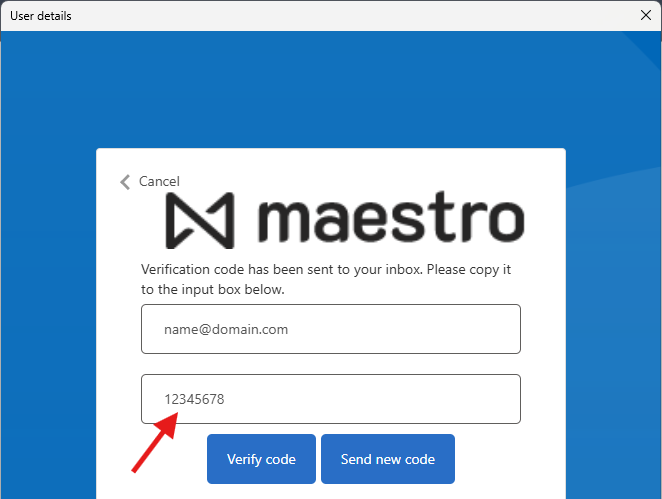
Step 5. Input your email address and click Send verification code.
 DO NOT fill out the rest of the form until you have verified your email address.
Step 6. Input the code sent to your email into the new text box and click Verify code.
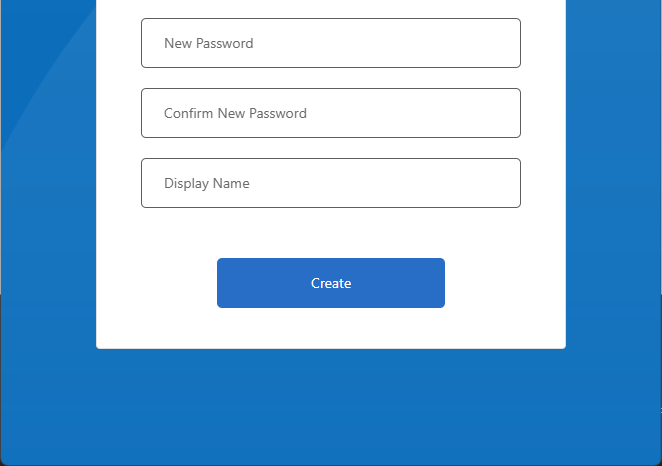
Step 7. Fill out your desired password and display name. Click Create to finalize your details.
Currently Display Name may not be changed by the user. Choose wisely.
Step 8. Use Maestro!